
Send to a Colleague Print Bookmark

Web Production Course

Web Production covers the end-to-end process of creating and managing a website. Communicate with developers, turn concepts into working websites, and measure the success of a site.

Quick Facts


$1,485 incl GST

Duration: 3 Days

Class Size: 10

Level: Int / Adv

Times: 9.00am - 5.00pm approx


About the Course

On this 3 day project-based course participants go through the production of a single website, focusing on real world production techniques.

Commencing with briefing the developer and the client (including sign-off procedures and contracts), the course demonstrates how to turn the brief into a design concept using Fireworks (with a focus on long-term maintenance and working within a team).

Once the client is happy with the design, participants will learn to convert the design mockups into HTML templates using Dreamweaver, manipulate the code to create optimal online performance, and ensure browser compatibility. Flash is then implemented into sections of the website to add a new dimension to the site design.

Participants learn about uploading methods, good site management techniques, how to register a domain name, getting a site hosted, and marketing a site with the major search engines.

Who should do this course?

Anyone that wants to build websites for a living. The knowledge acquired on this course will not only save thousands of production hours but will also provide a substantial edge over the competition.

Prerequisites

Participants are required to have an understanding of HTML, Dreamweaver, Fireworks and Flash prior to attending this class. Alternatively, students should have completed, Dreamweaver CS4: Website Development, Fireworks CS4: Web Graphic Creation, and Fast track to Flash CS4.

Course Units

Unit 1: Introduction to course format and the project for the course

Unit 2: Taking a Good Brief
- Establishing Confidence
- Asking the right questions
- Documentation
Unit 3: Overview of Different Web Solutions
- HTML
- Content Management Solutions (Macromedia Contribute and other solutions)
- Flash
- Wireless
- Database-driven websites
- eCommerce
Unit 4: Communication, Sign-off and the Contract
- Process
- Proposal
- Sign-offs
- Copyright issues
- Contract
Unit 5: Concepting
- Responding to Brief
- Research
- Tips on Designing for Web
- Storyboards
- Style Guides
- Concept planning in Fireworks
Unit 6: Working Efficiently in Fireworks
- Tips for working efficiently in Fireworks - naming slices, folders, saved swatches and styles, etc.
- Popup Menus
- Animated Gifs
- Slice Planning
- Slicing
- Optimising Revisited
- Export Preferences
- Export Area Tool
Unit 7: Working Efficiently in Dreamweaver
- Planning
- Building Foundation
- Importing Fireworks
- Setting up Style Guide
- Tweaking the HTML for better performance
- Compliance standards
Unit 8: Testing/Debugging and Cross-browser Issues
- Testing website
- Importance of "Back up" Procedure
- Mastering "Search and Replace"
Unit 9: Integrating Flash into the Website
- Pros and Cons
- Dos and Don'ts
- Methods for integration
- Preloader and load movie revisited
Unit 10: Making the site LIVE
- Registering the Domain
- Picking a Web Host
- Uploading
- Long term site management
Unit 11: Marketing the Site
- How to List with Search Engines
- Other Traffic Generators
 

Upcoming Courses

Sydney

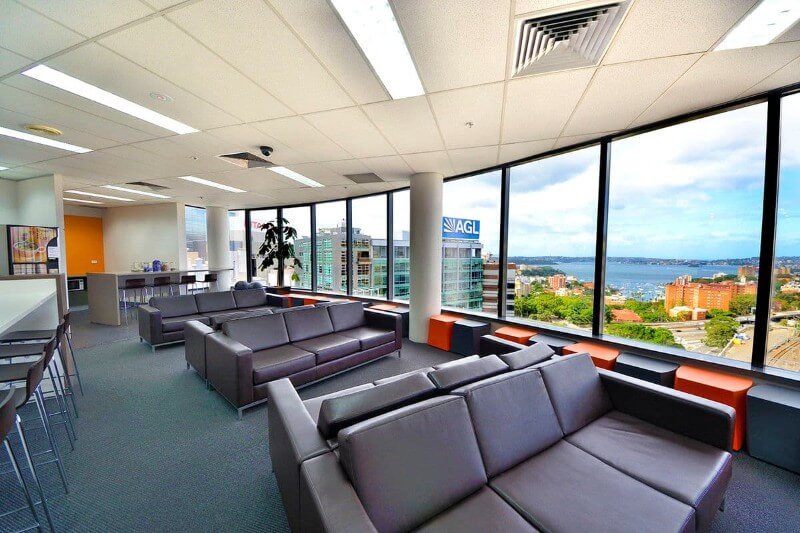
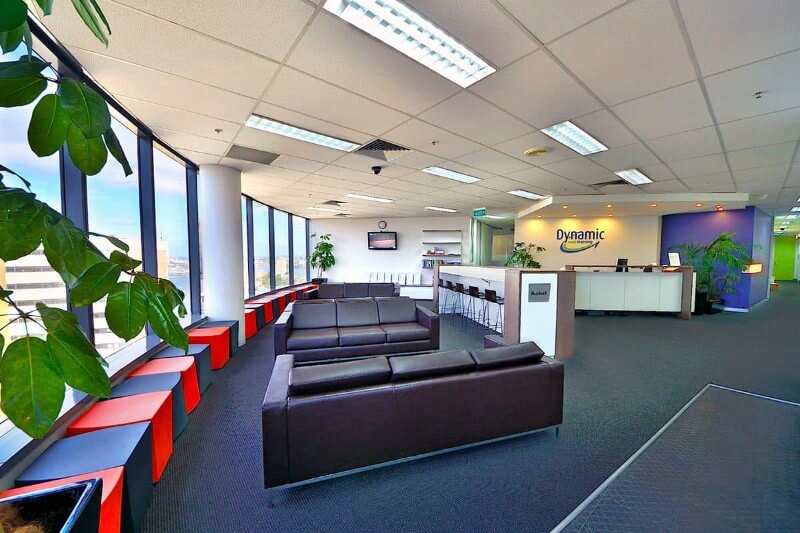
Level 11, 32 Walker Street
North Sydney
View map

Date:
27-29 Sep 10
20-22 Dec 10

Melbourne

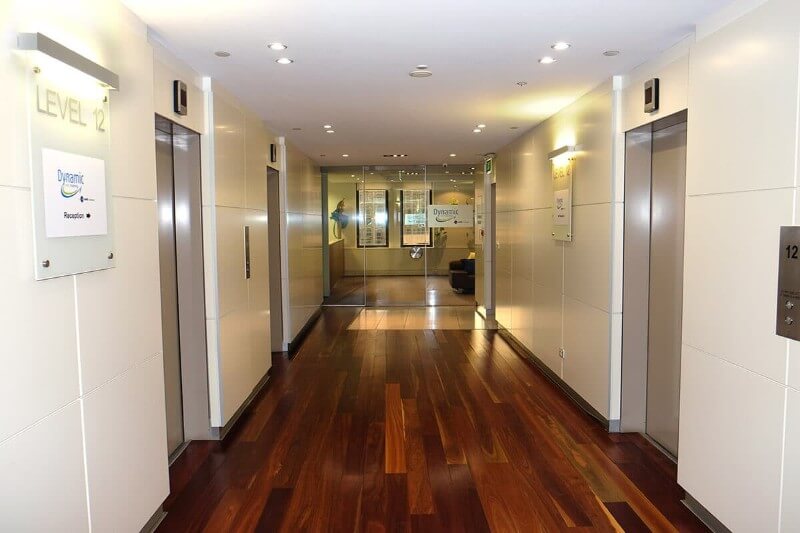
Level 12, 379 Collins Street
Melbourne
View map

Date:
27-29 Sep 10

Brisbane

C/- Training Choice, Mezzanine Level, 88 Creek Street
Brisbane
View map

Date:
04-06 Oct 10
15-17 Dec 10

Canberra

C/- Training Choice, Level 4, 54 Marcus Clarke Street
Canberra
View map

Date: upon demand

Adelaide

C/- Mindfull Computer & Seminar, Level 4, 74 Pirie Street
Adelaide
View map

Date: upon demand

Perth

C/- Training Choice, Level 7, 105 St Georges Terrace
Perth
View map

Date:
19-21 Jan 11
 

$1,485 incl GST

Duration: 3 Days

Class Size: 10

Level: Int / Adv

Times: 9.00am - 5.00pm approx

 
Man and woman sitting at a computer SEEK logo